Before you start
- You are the account owner.
Your agreement comes first
Your complimentary plan, free access duration, commission percentage, and commission duration are individual agreement terms. Free access may last a number of months, end on a specific date, or be lifetime. Free access and referral commissions are separate benefits; one does not automatically end the other.
Create and verify your account
- 1
Start a free trial
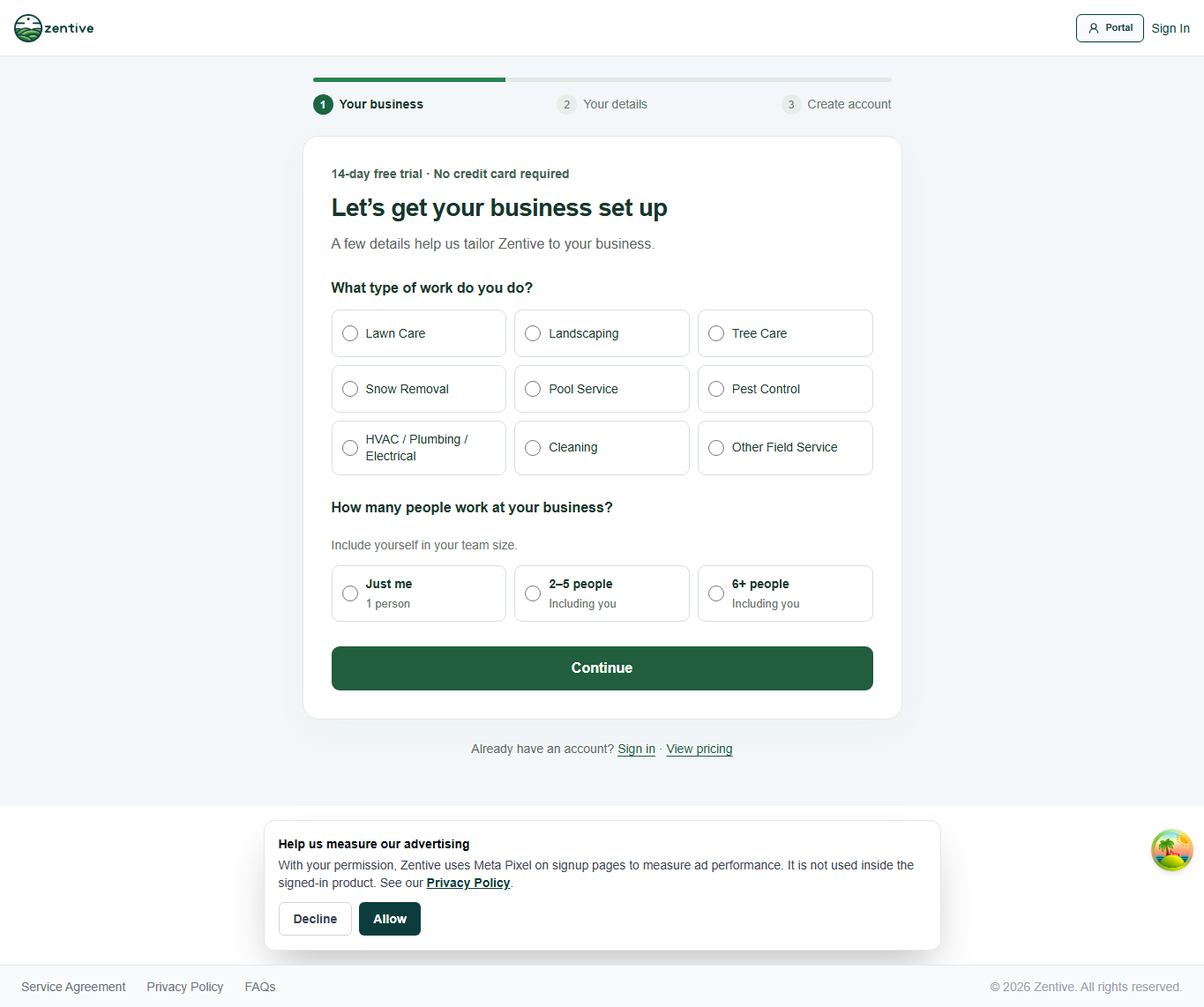
Open Sign up with the business owner’s email. Choose the closest business type, or Other for construction and other trades when your specialty is not listed. Enter your team size and business details. No credit card is required.
- 2
Verify your email
Create your password, accept the terms, and open the verification email. Follow its link to activate the account. If it is missing, check spam and use the resend option on the verification screen.
- 3
Have Zentive apply your agreement
Give your Zentive contact the exact owner login email and business name. After verification, Zentive applies the agreed plan and access duration. You do not need to complete paid checkout or enter a card to receive this grant.
- 4
Check your access
Sign in again or refresh. The complimentary access banner shows your plan and either Lifetime or the end date. If it does not match your agreement, contact support before starting a paid checkout.
Set up your business
- 1
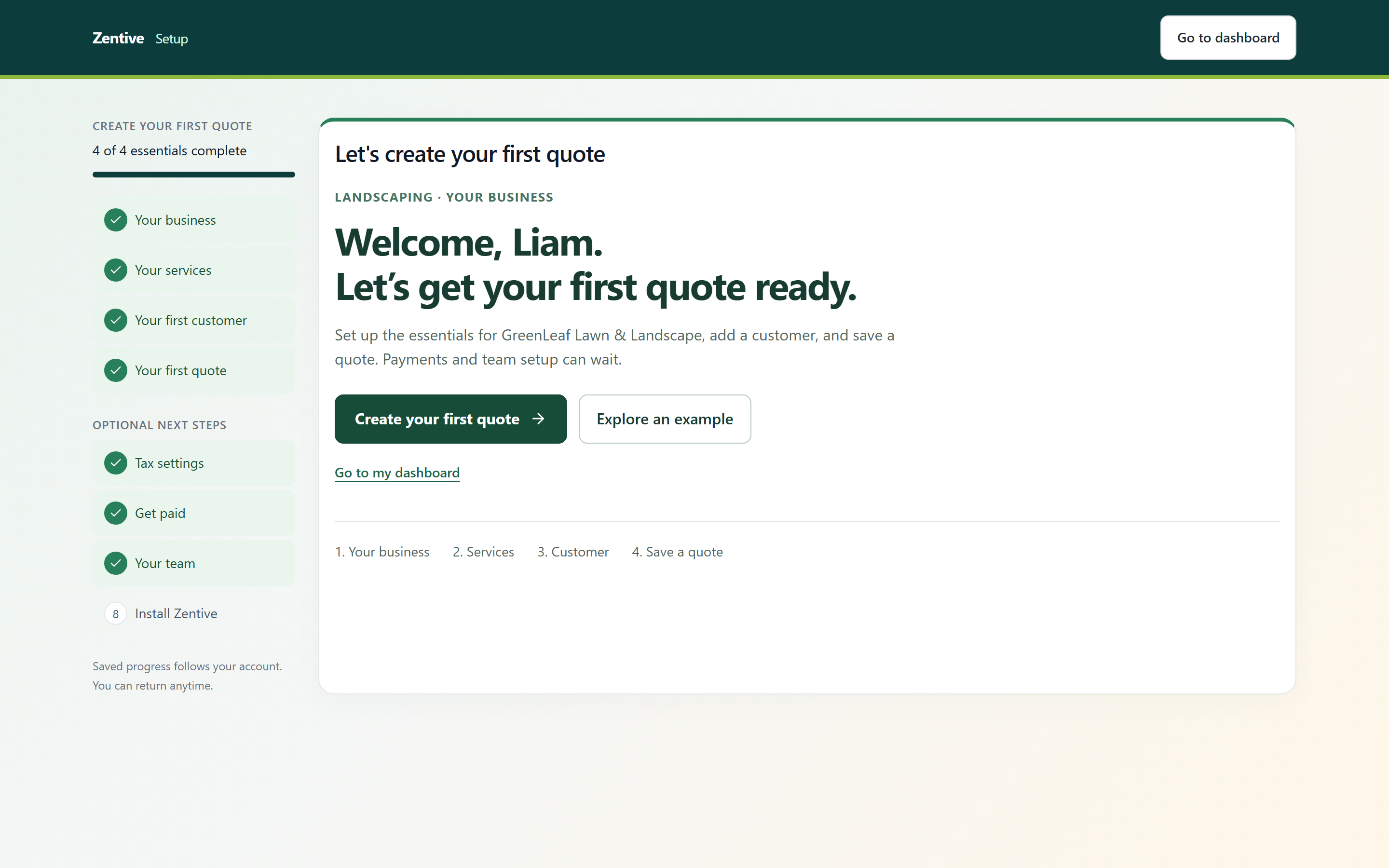
Open Settings → Setup Guide
Complete Your business, Your services, Your first customer, and Your first quote. For a steel contractor, add your own services such as fabrication, delivery, and installation with your own pricing.
- 2
Use an email you control for a test customer
Customer creation or invitations can send messages. Save a draft quote first and review it before sending.
- 3
Add your team and optional payments setup
Invite employees within the plan’s included user count. Stripe Connect is optional for collecting online payments from your customers; it is separate from paying for Zentive. Card processing fees still apply to those customer payments.
When complimentary access ends
A dated grant stops at its stated end. Lifetime access has no scheduled end date. Zentive can adjust or restore access under your agreement. There is no automatic move to a paid subscription; the owner must choose paid checkout to continue after free access ends. Extra seats, add-ons, and customer payment processing are not included.
An ordinary end or pause in the partnership does not change existing referrals’ locked commission terms. Termination for a Terms of Service violation follows the separate termination rules in the partner guide.
Useful links
- Sign up
Create and verify your trial account.
- Creator partner guide
The full program rules and payout examples. Your signed agreement sets your individual deal.
- Finish the setup guide
Step-by-step setup with screenshots.
- Export your data
What you can download and how to request an account archive.
Was this helpful?
Contact Zentive support
Include your business name, account email, what you were trying to do, what happened instead, and a screenshot if possible. For billing, sync, or login issues, include the exact error message if shown.