Before you start
- Crew members have recorded time for the pay period.
- You have permission to view employee hours.
What you'll do
You will review the pay period for missing punches or unusual hours before using the totals for payroll.
Review the pay period
- 1
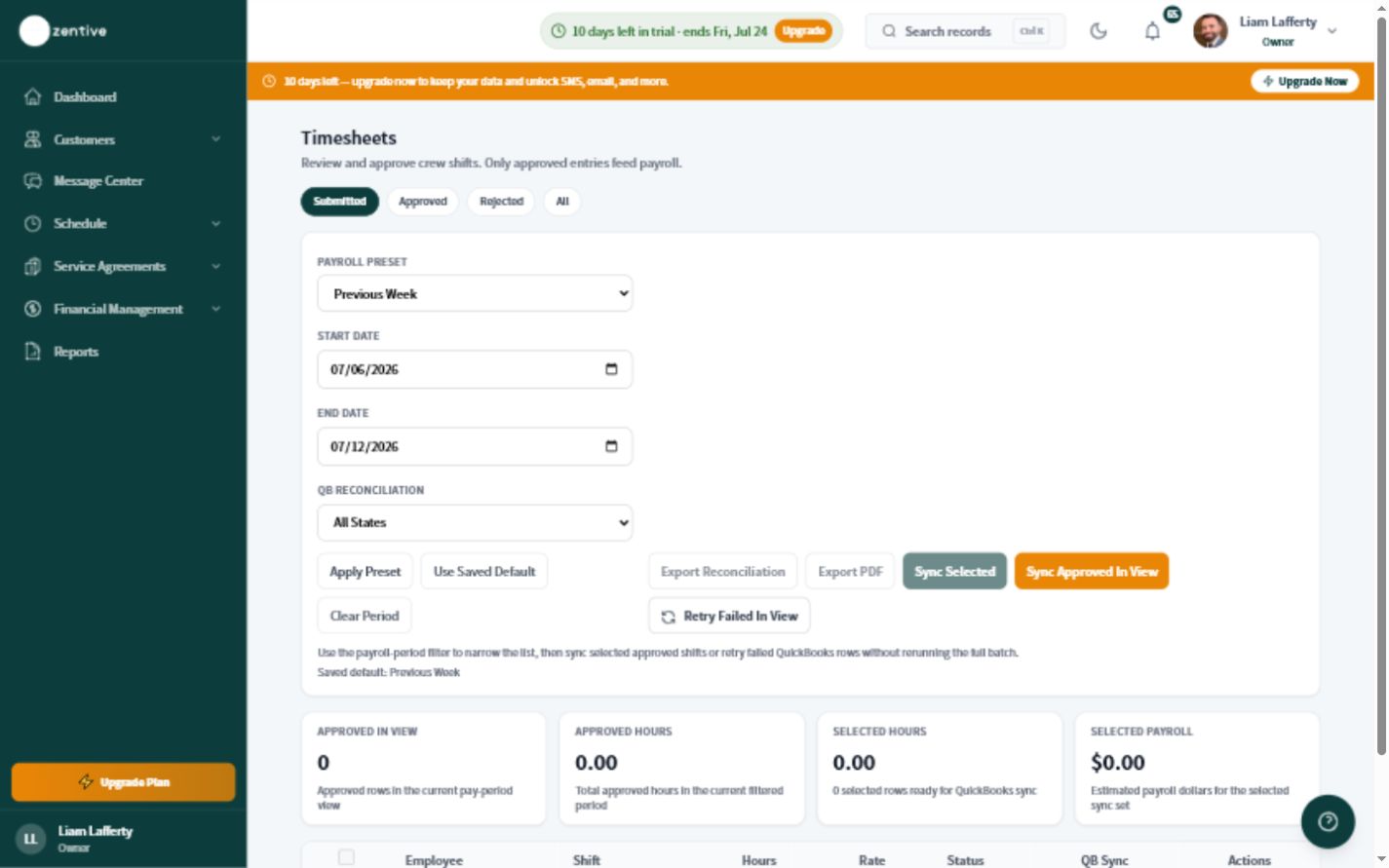
Open Timesheets
Choose Timesheets from the main navigation.
- 2
Set the pay period
Select the same start and end dates used by your payroll provider.
- 3
Check exceptions first
Look for open shifts, missing clock-outs, zero-hour days, or unusually long entries.
- 4
Confirm totals with the employee
Ask the employee or crew lead about questionable time before changing or exporting anything.
- 5
Prepare the handoff
Use Payroll Prep or your QuickBooks payroll workflow after every employee total has been reviewed.
Payroll-ready checklist
- The pay-period dates match payroll.
- No shifts are still running.
- Employee totals have been reviewed.
- Any corrections have an explanation.
Was this helpful?
Still need help?
Contact Zentive support
Include your business name, account email, what you were trying to do, what happened instead, and a screenshot if possible. For billing, sync, or login issues, include the exact error message if shown.
Replies by emailLogin, billing, sync, and setup help
Email support