Before you start
- QuickBooks is connected or your office is planning the connection.
- You know whether you are reviewing accounting data, field work, or payroll-time data.
The short version
QuickBooks is the accounting system. Zentive is the operational system. Customers, products/services, invoices, payments, refunds, credit memos, tips, and approved time data can be part of sync or reconciliation. Quotes, jobs, routes, crew notes, photos, and internal field details stay in Zentive.
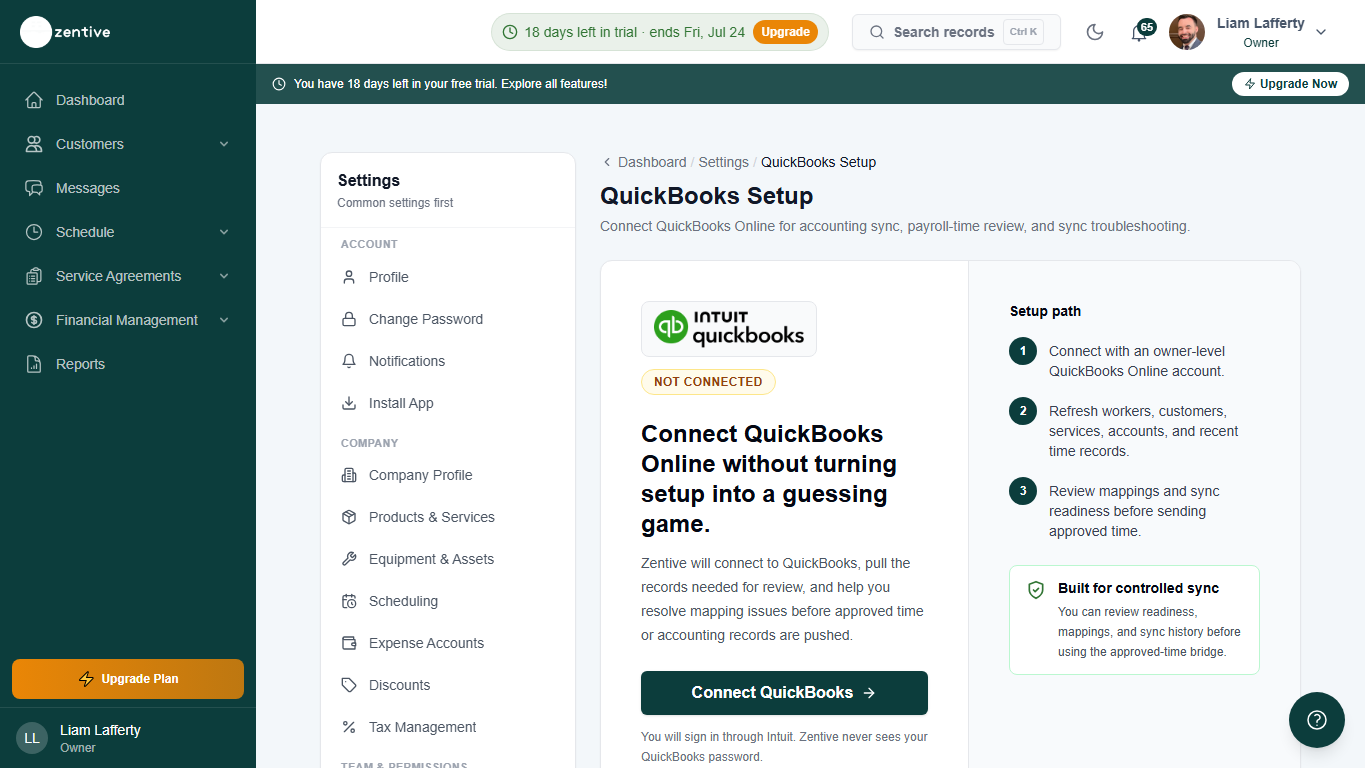
Records that can sync or reconcile
- Customers: Zentive customer records can link to QuickBooks customers.
- Products and services: Zentive services can link to QuickBooks items.
- Invoices: completed or sent billing records can sync to QuickBooks when ready.
- Payments, refunds, credit memos, and tips: payment-related accounting records can be reflected when eligible.
- Approved time: payroll-prep time can sync or reconcile through QuickBooks Online time activity workflows.
Records that stay in Zentive
- Quotes and estimates before they become billable work.
- Jobs, routes, dispatch stages, crew notes, and photos.
- Customer portal chat and service request context.
- Operational checklists, equipment readiness, training, and internal notes.
Payroll boundary
Zentive helps prepare, sync, and reconcile approved time with QuickBooks Online time activity workflows. It does not run payroll or create paychecks.
Was this helpful?
Still need help?
Contact Zentive support
Include your business name, account email, what you were trying to do, what happened instead, and a screenshot if possible. For billing, sync, or login issues, include the exact error message if shown.
Replies by emailLogin, billing, sync, and setup help
Email support